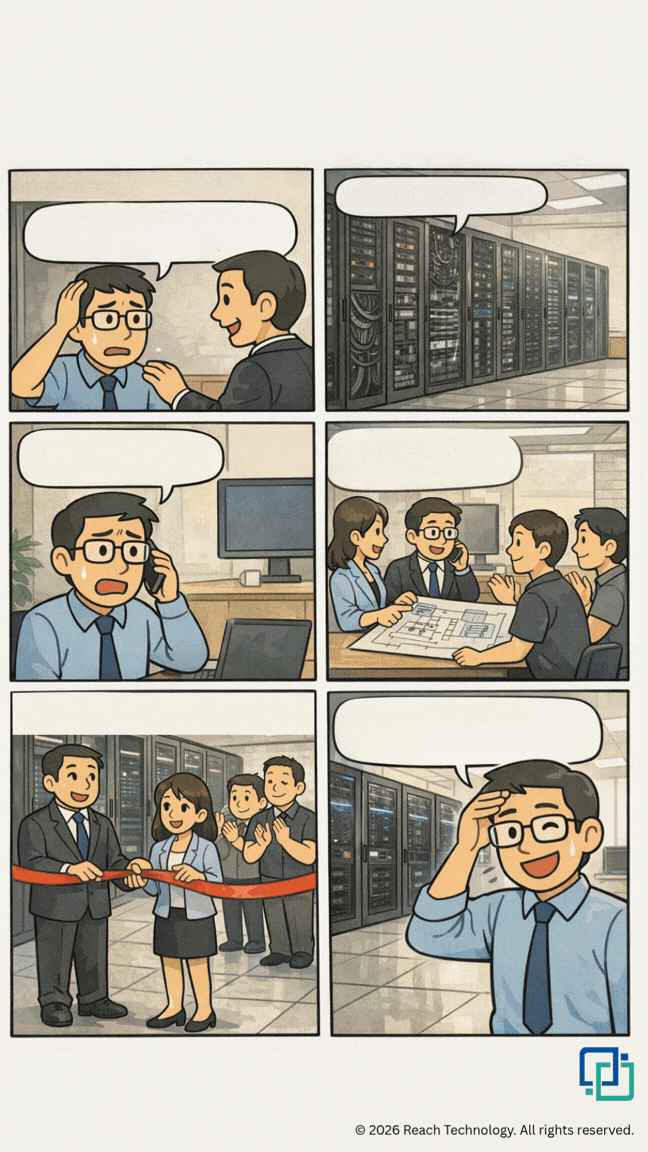
Switching from a Traditional Server Room to an All-in-One Cabinet? 5 Professional Planning Considerations

During office relocation or renovation, IT teams frequently face a critical decision: continue using a traditional Server Room, or switch to an All-in-One Cabinet / All-in-One Smart Cabinet / Micro Data Center (MDC)?
Many people assume the transition simply involves “purchasing a cabinet and placing it in position.” In reality, moving from a conventional server room to an integrated solution involves multiple professional aspects, including power, cooling, floor loading capacity, cabling, and future expansion. Inadequate planning can easily lead to insufficient capacity, cooling issues, or even the need for structural modifications later.
Below are five professional planning considerations to help organisations avoid common misconceptions.
1. Assess actual power and heat load — not just available space
Traditional Server Rooms are typically equipped with independent air-conditioning and power distribution systems, whereas an All-in-One cabinet integrates cooling, UPS, and power distribution into a single unit. Before making the transition, it is essential to calculate both current and future power requirements (in kW), as well as the corresponding heat load. Otherwise, even if there is sufficient space, inadequate power or cooling capacity may necessitate the addition of extra equipment.
ASHRAE, in its Thermal Guidelines for Data Processing Environments Guidelines for Data Processing Environments, clearly identifies power density and thermal load of IT equipment as core considerations in data centre design. The U.S. Department of Energy’s Best Practices Guide for Energy-Efficient Data Center Design also emphasises that power and cooling planning should be evaluated together.
2. Verify floor loading capacity and cabinet placement constraints
Although All-in-One cabinets save space, the integration of batteries, cooling systems and other components means they are generally heavier than standard cabinets. Before relocation or renovation, floor loading capacity must be confirmed, and doorways, corridors and lifts should be checked for delivery suitability. Ignoring this point may result in the need for structural reinforcement later.
According to the ANSI/TIA-942 Telecommunications Infrastructure Standard for Data Centers, the minimum recommended floor loading capacity is 7.2 kPa (approximately 150 lbf/ft²), with a preferred value of 12 kPa (approximately 250 lbf/ft²). This standard is currently one of the most widely adopted references in the industry.
3. Plan structured cabling and cable management in advance
Cabling in traditional server rooms is often dispersed. After switching to an All-in-One cabinet, cables need to be more concentrated and systematically managed. Without prior planning for network, power, grounding and monitoring circuits, cable congestion can easily occur, affecting airflow and increasing maintenance difficulty.
The ANSI/TIA-942 standard provides clear requirements for telecommunications infrastructure and cabling systems in data centres, recommending a structured cabling approach to ensure long-term stability and expansion flexibility.
4. Reserve capacity for future expansion rather than meeting only current needs
One of the advantages of All-in-One cabinets is the ability to add units progressively according to business requirements. Planning should not be limited to current equipment quantities; future business growth over the next two to three years should also be anticipated. Otherwise, capacity shortages may reappear quickly, diminishing the long-term value of the transition.
Uptime Institute, a leading authority on data centre availability and capacity planning, also notes that capacity planning should be an ongoing process that incorporates business growth forecasts, rather than a one-time calculation.
5. Evaluate Total Cost of Ownership (TCO), not only initial investment
On the surface, the initial cost of an All-in-One cabinet may appear higher. However, when deployment time, ongoing maintenance, power consumption, and future reinstatement costs during relocation are included, the overall cost is often more advantageous. This is particularly relevant for organisations occupying leased offices, as reduced wall modifications and equipment installations can significantly lower future reinstatement costs.
The U.S. Department of Energy, in its Best Practices Guide for Energy-Efficient Data Center Design, also stresses that Total Cost of Ownership (TCO) and life-cycle costs should be used as the basis for evaluation, rather than focusing solely on initial capital expenditure.
Switching from a traditional Server Room to an All-in-One cabinet is not simply a matter of “replacing a cabinet.” It is a systematic professional planning exercise. By properly assessing power, floor loading, cabling, scalability and total cost of ownership, organisations can fully realise the benefits of an All-in-One Smart Cabinet / MDC and avoid expensive modifications later.
ReachTech Professional Service
ReachTech has extensive experience in data centre and server room infrastructure. We provide professional free on-site assessments and comprehensive solutions, including:
✅ Server room design and All-in-One Smart Cabinet solutions
✅ UPS power backup systems
✅ Precision cooling solutions
✅ Complete office IT relocation services
🤗 CONTACT US
☎️ +852 2150 2300
❇️ +852 5501 2625
References
ASHRAE. Thermal Guidelines for Data Processing Environments. https://www.ashrae.org/technical-resources/bookstore/datacom-series
U.S. Department of Energy. Best Practices Guide for Energy-Efficient Data Center Design. https://www.energy.gov/sites/default/files/2024-07/best-practice-guide-data-center-design_0.pdf
Telecommunications Industry Association (TIA). ANSI/TIA-942 Telecommunications Infrastructure Standard for Data Centers. https://tiaonline.org/standard/tia-942/
Uptime Institute. Uptime Institute Journal. https://journal.uptimeinstitute.com/